About Tariff
The Utility Tariff module allows administrators to configure the electricity tariff charged by the utility provider for operating EV charging stations. It helps calculate electricity costs accurately, enabling better revenue analysis, profitability tracking, and revenue share management across charging locations.
Navigate to Revenue Share > Utility Tariff. The following screen appears:
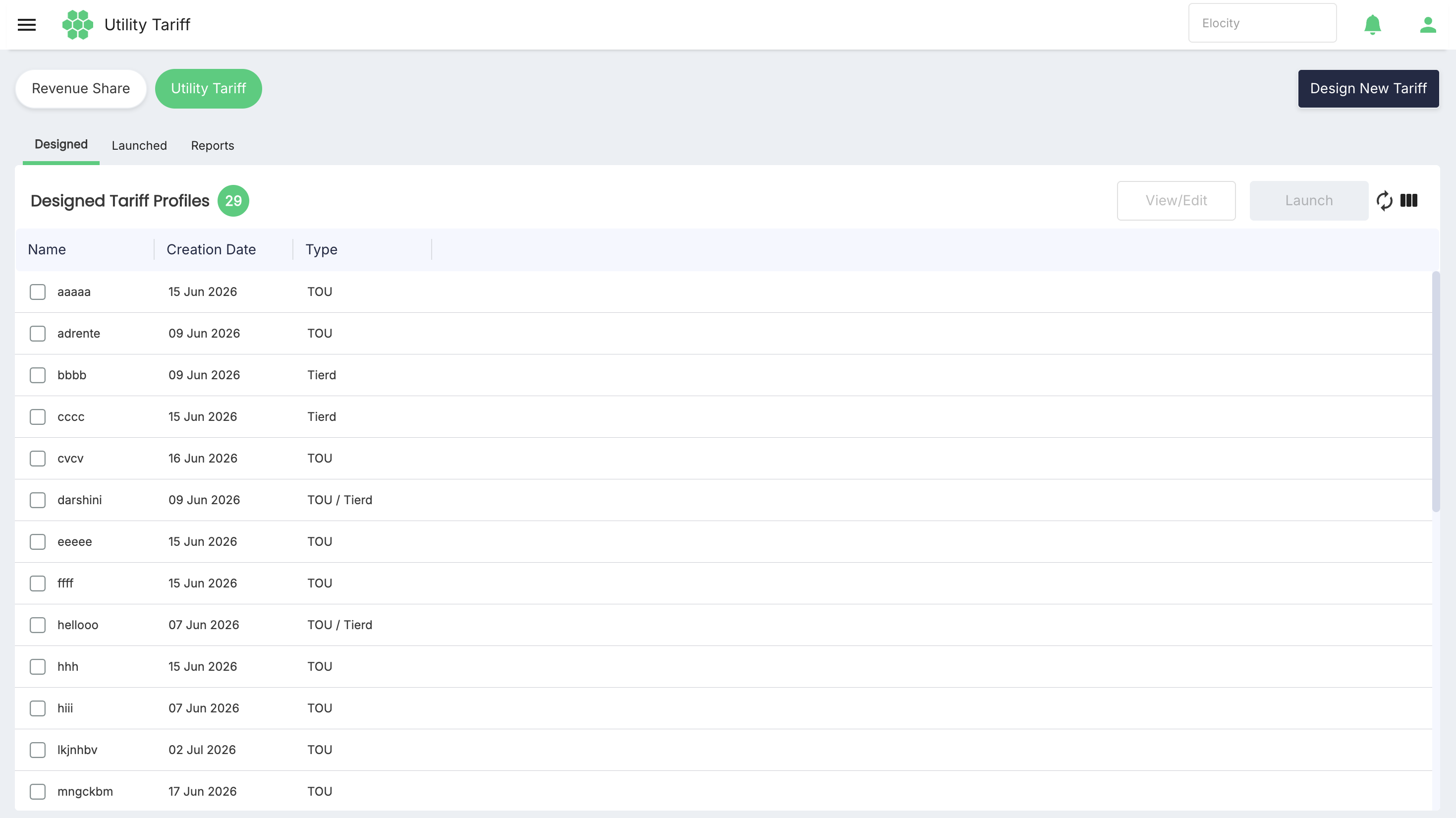
The Utility Tariff module supports two primary tariff types:
- Time of Use (TOU): Tariff applies different electricity rates based on the time of day and the day of the week. This allows administrators to define separate prices for Off-Peak, Mid-Peak, and On-Peak periods, ensuring that energy costs accurately reflect the utility provider's pricing schedule.
- Tierd: Tariff defines electricity pricing based on energy consumption ranges (kWh). Different rates can be assigned to different consumption tiers, allowing electricity costs to increase or vary as energy usage changes.
Using this section you can perform:
- Design a New Tariff Profile by selecting the appropriate tariff type and configuring the required pricing rules and charging conditions.And you can see the designed tariff profiles under Designed sectiion in Utility traiff dashbaord
- Launch a Tariff Profile to make a designed tariff active and available for charging stations.You can see the Launched tariffs under Launched section in Utility tariff dashboard
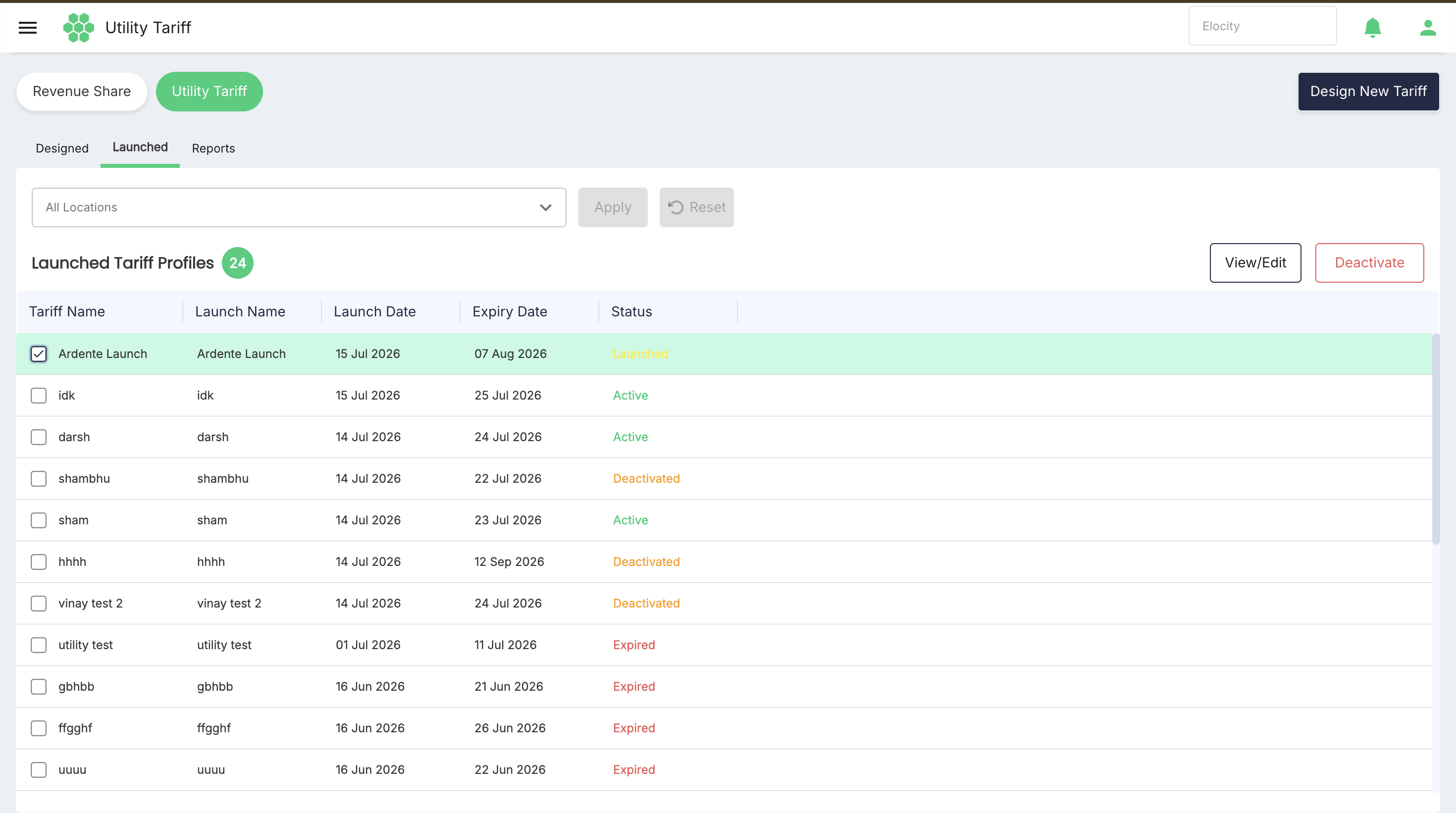
- Edit a Tariff Profile to modify pricing rules or configuration as required by clcking on the View/Edit button.
- Deactivate a Tariff Profile by selecting any of the launched tariff and click Deactivate button.
- Relaunch a Tariff Profile by selecting any of the launched tariff which is already deactivated and click Relaunch button.
note
Note: This is just about introduction in the following section you will get the detailed explanation about each topic.